
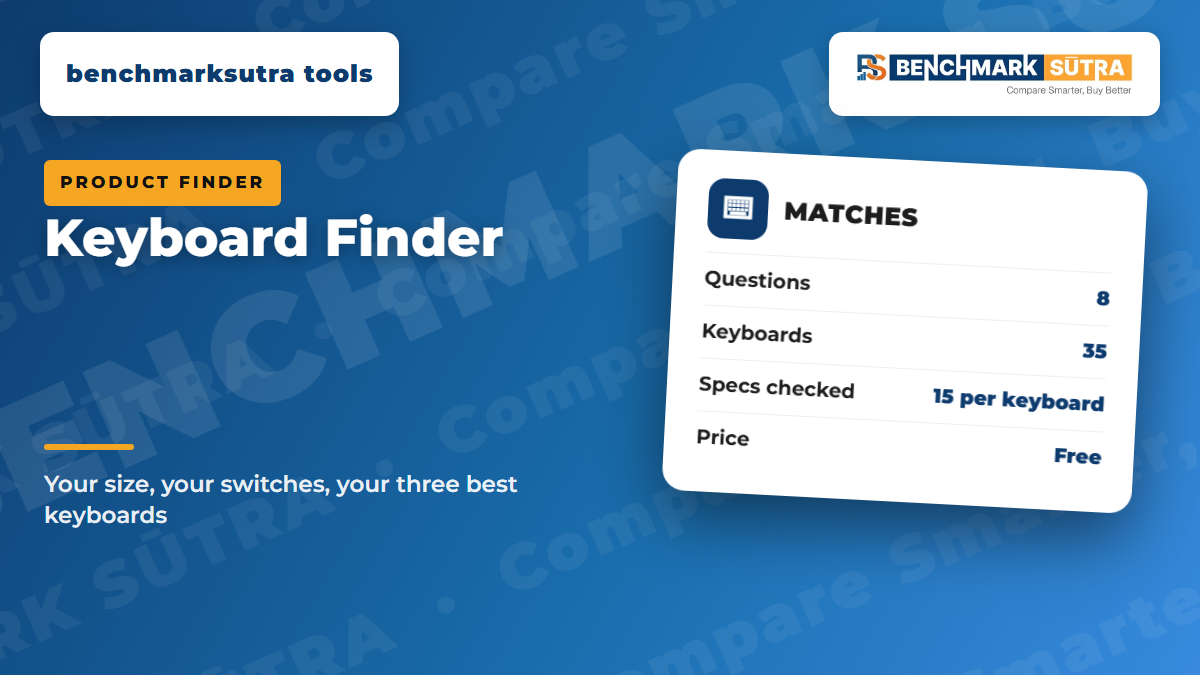
Pick your size, switch feel, key weight, connection and must-haves, and get the three best-matched keyboards from our scored rankings.
Quick answer
Not sure which keyboard to buy? Tell us the size you want, how you like keys to feel, how you connect and what you cannot do without. The finder checks every keyboard we have scored against its full spec sheet and shows the three best matches, each linked to our full ranking.
How the Keyboard Finder chooses
Every keyboard starts with its benchmarksutra Keyboard Score for your main use: office typing, gaming, long typing sessions, wrist comfort or budget. Your other answers then remove keyboards that do not fit and move the rest up or down. If too few keyboards pass every answer, the finder relaxes the softer ones and says so. Your budget and connection choice are never relaxed.
Size
The four sizes trade keys for desk space:
- Full size: keeps the number pad, for accounts and data entry.
- TKL (tenkeyless): drops the number pad, so your mouse sits closer.
- 75%: keeps the F-keys in a tighter block.
- 65% and 60%: drop the F-keys too, for the most room to swing a mouse.
Switches and key weight
The three switch feels:
- Linear: moves straight down, smooth and fast, which most gamers prefer.
- Tactile: has a small bump where the key registers, which many typists like.
- Clicky: adds an audible click, which is fun alone but loud in a shared room.
Actuation force is the weight needed to press a key:
- 45 g or less feels light and quick.
- 46 to 55 g suits most people.
- 56 g or more cuts accidental presses.
Scissor and low-profile keys feel like a laptop.
Gaming features
Hall effect (magnetic) and analog optical switches let you set how far down a key registers, often from 0.1 to 4 mm. They usually add rapid trigger, which resets a key the moment you start to lift. That gives faster strafing and counter-strafing in shooters.
Polling rate is how often the keyboard reports to the PC. 1,000 Hz is standard, and 8,000 Hz trims a few milliseconds on a fast PC and monitor.
NKRO (N-key rollover) means every key you hold registers. Anti-ghosting covers only common gaming combinations, so we list full NKRO only where the brand states it.
Connection, devices and Mac
Tri-mode keyboards connect three ways:
- a 2.4 GHz receiver, for low-lag gaming
- Bluetooth, for laptops and tablets
- a cable, for charging and for the lowest lag
For work, look for three or more Bluetooth profiles with dedicated keys, so you can jump between a work laptop, a home PC and a tablet in a second. A physical Win/Mac switch swaps the Alt and Cmd key positions without software. The finder favours it if you use both.
Build and sound
A gasket mount floats the plate on soft gaskets, so typing feels cushioned and sounds deeper. Sound dampening, such as case foam and switch pads, removes the hollow ping of cheap boards. Hot-swap sockets let you change switches without soldering. Stabilizers keep long keys like the spacebar steady; pre-lubed or screw-in stabilizers rattle less. We show mounting, dampening and stabilizers wherever the brand publishes them.
Software, comfort and battery
Macros and remapping come from the brand's software or from open firmware like QMK and VIA, which works in a browser without installing anything. Comfort comes from the size, tilt feet and an included wrist or palm rest. Battery life is the brand's official figure: rechargeable boards are rated in hours, usually with the backlight off. AA and AAA boards run for months.
Prices change often, so check before you buy. Full rankings: best keyboard in India, best mechanical keyboard, best gaming keyboard, best wireless keyboard, best ergonomic keyboard and best budget keyboard.