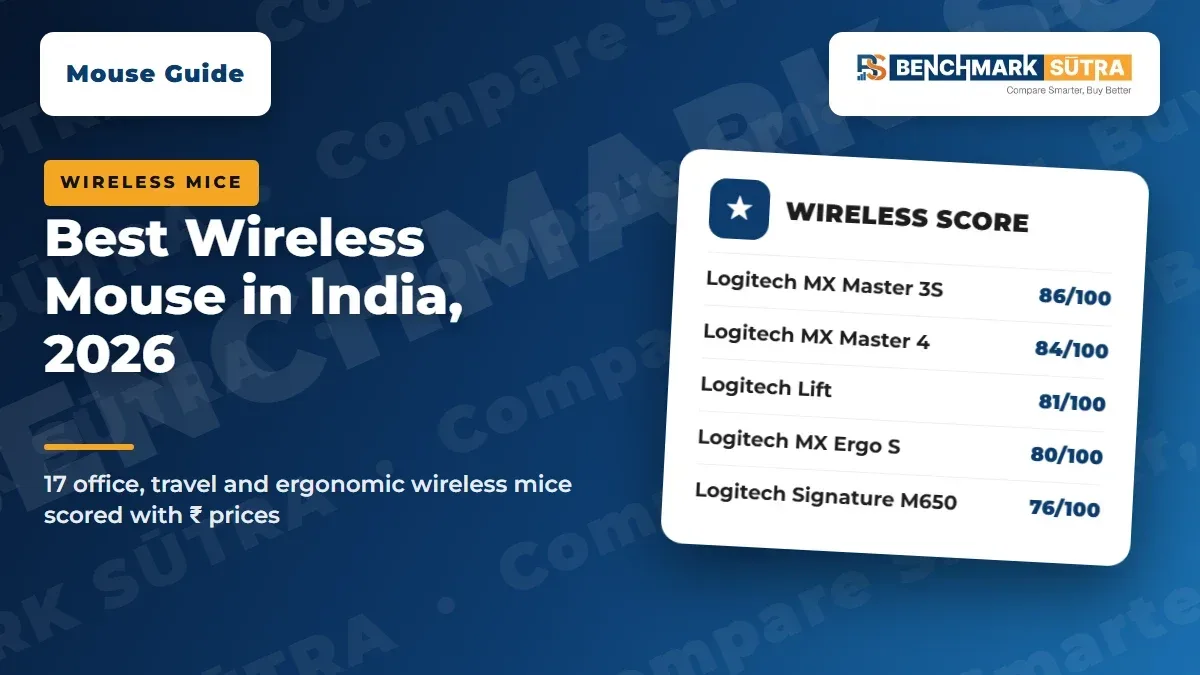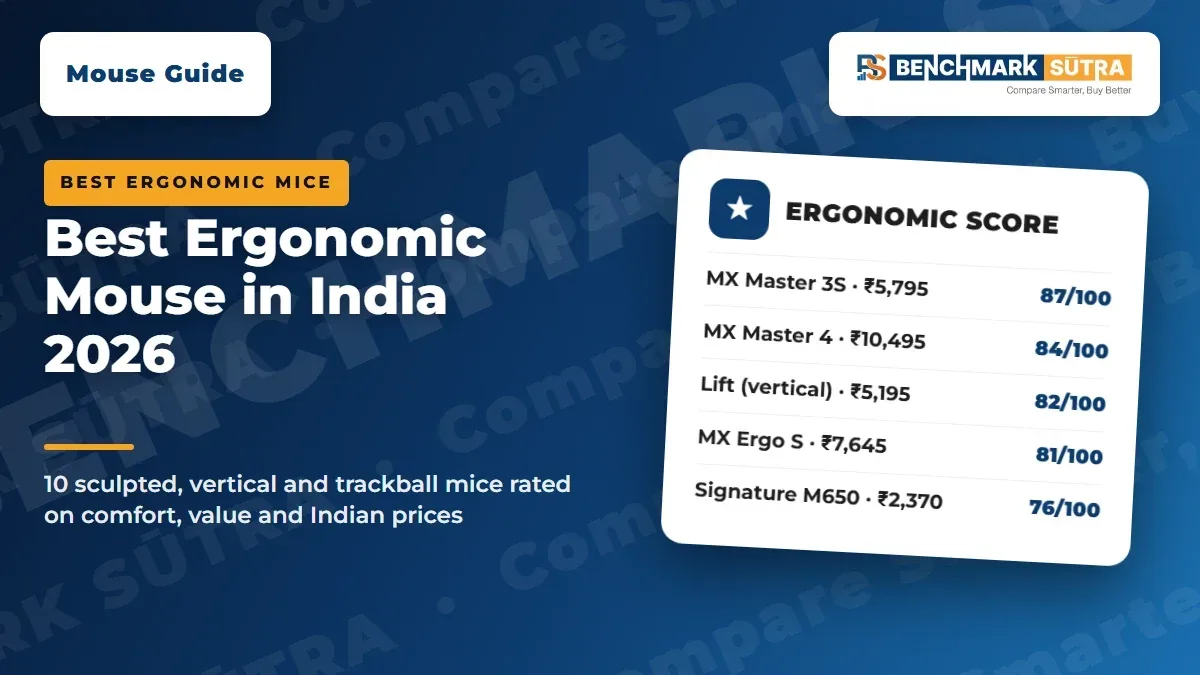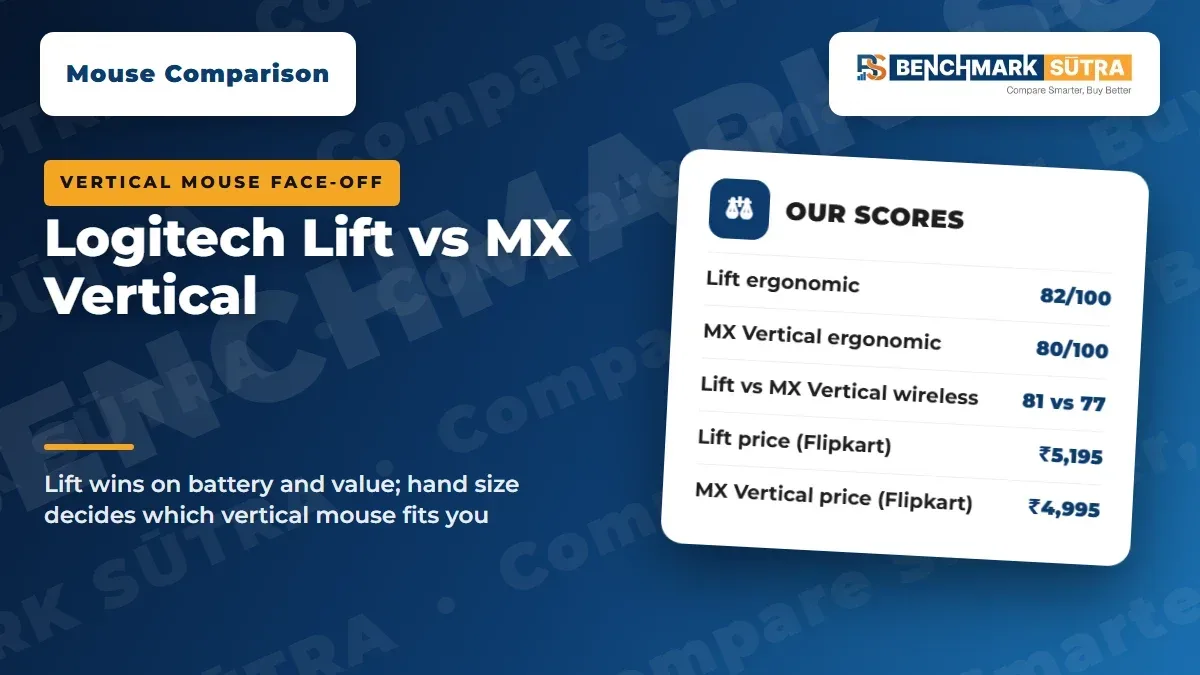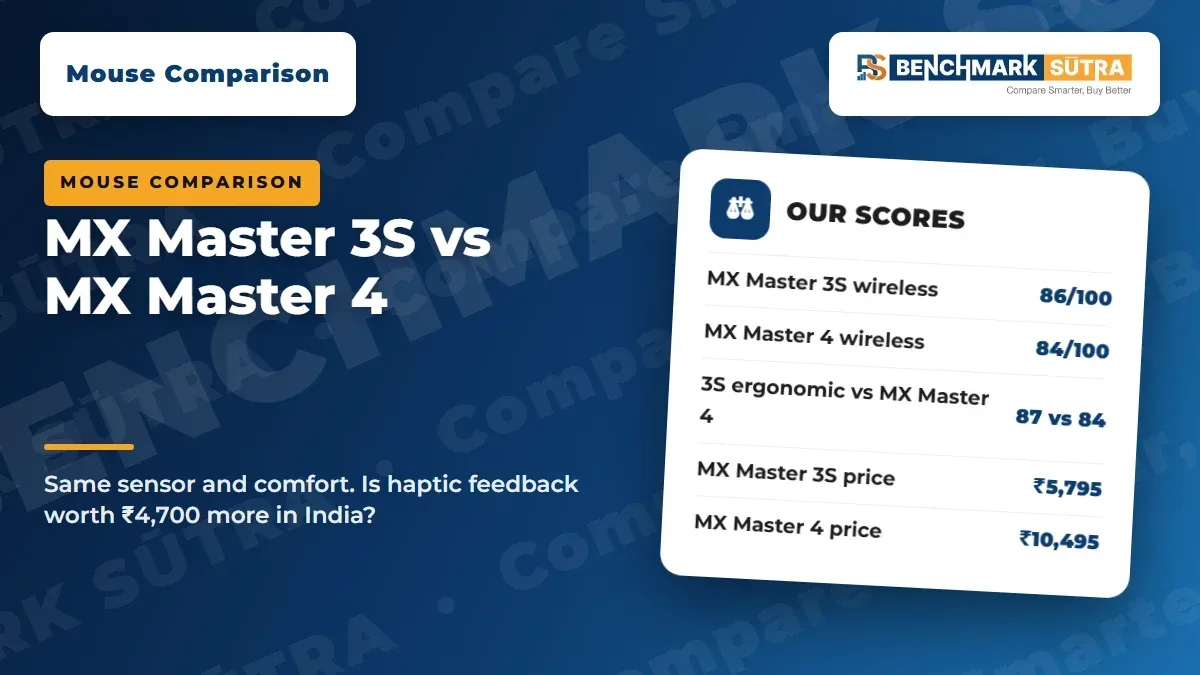
MX Master 3S scores 86/100 vs 84/100 for the MX Master 4 on our wireless profile. Same sensor, comfort and battery; the 4 adds haptics for ₹4,700 more.
Quick Verdict
The MX Master 3S (86/100, ₹5,795 on Flipkart) beats the MX Master 4 (84/100, ₹10,495 on Amazon.in) for most Indian buyers. Buy the 4 only if you will use its haptics and Haptic Sense Panel daily.
Best For
3S: most office workers and students. MX Master 4: heavy shortcut users, designers and editors who want haptic feedback.
Avoid If
You are left-handed, have small hands, or want a gaming mouse.
Quick Verdict
For most buyers in India, the Logitech MX Master 3S beats the MX Master 4: it scores 86/100 on our wireless profile against 84/100, and costs ₹5,795 on Flipkart against ₹10,495 on Amazon.in. The MX Master 4 is the better-built, more feature-rich mouse, but it does not justify a ₹4,700 premium for most people.
Both mice share the same sensor, comfort rating, battery life and three-device switching. The 4 adds haptic feedback, a Haptic Sense Panel and a steel scroll wheel.
Score | MX Master 3S | MX Master 4 | Margin |
|---|---|---|---|
Wireless | 86/100 (A) | 84/100 (A) | 3S by 2 |
Ergonomic | 87/100 (A) | 84/100 (A) | 3S by 3 |
General | 85/100 (A) | 83/100 (A) | 3S by 2 |
Price | ₹5,795 (Flipkart) | ₹10,495 (Amazon.in) | 3S ₹4,700 cheaper |
How we rated these: Researched, not hands-on tested. Scores come from official specs, Indian prices checked on 5 November 2026 and the benchmarksutra Mouse Score.
Read the full method: benchmarksutra Mouse Score: how we rate mice.
MX Master 3S vs MX Master 4: side-by-side specs
All specs are from Logitech's official pages. Prices were checked on 5 November 2026.
Spec | MX Master 3S | MX Master 4 |
|---|---|---|
Price (5 Nov 2026) | ₹5,795 on Flipkart | ₹10,495 on Amazon.in |
MRP on listing | ₹10,995 | ₹15,995 |
Shape | Right-hand sculpted, thumb rest | Right-hand sculpted, thumb rest |
Weight | 141 g | 150 g |
Size (L × W × H) | 124.9 × 84.3 × 51 mm | 128.15 × 88.35 × 50.8 mm |
Sensor | Darkfield, 200–8,000 DPI | Darkfield, 200–8,000 DPI |
Tracks on glass | Yes, 4 mm or thicker | Yes, 4 mm or thicker |
Buttons | 7 | 8, incl. Haptic Sense Panel |
Main wheel | MagSpeed electromagnetic | MagSpeed steel wheel |
Haptic feedback | No | Yes |
Clicks | Quiet Click, rated 10 million | Quiet clicks not confirmed by Logitech |
Wireless | Logi Bolt (USB-A) + Bluetooth | Logi Bolt (USB-C receiver) + Bluetooth |
Devices | Up to 3 | Up to 3 |
Battery | 500 mAh, up to 70 days | 650 mAh, up to 70 days |
Quick charge | 1 min = 3 hours | 1 min = 3 hours |
India warranty | 1 year limited (Logitech India page) | Not confirmed for India |
Row-by-row ratings
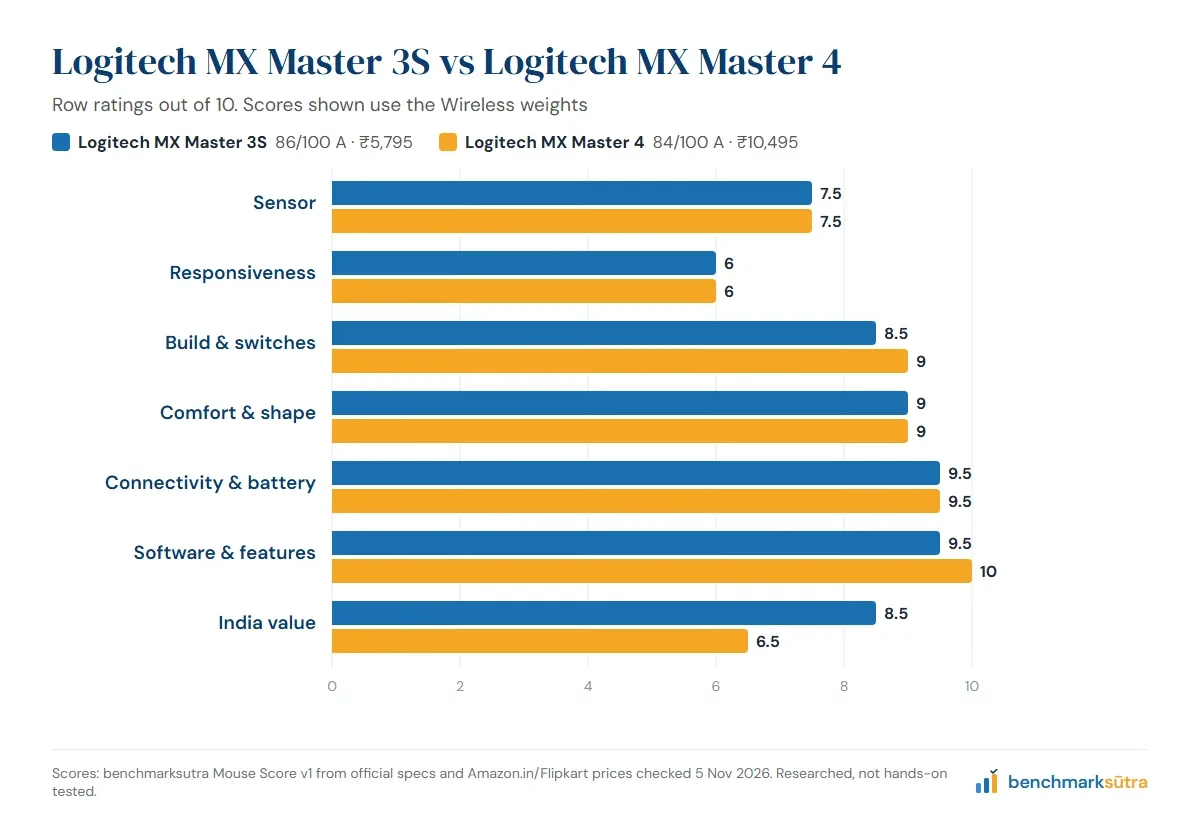
Each mouse gets seven ratings out of 10, which we then weight by profile. For an office pair we use the wireless and ergonomic profiles, and show the general score too.
Row | MX Master 3S /10 | MX Master 4 /10 | Winner |
|---|---|---|---|
Sensor | 7.5 | 7.5 | Tie |
Responsiveness | 6 | 6 | Tie |
Build & switches | 8.5 | 9 | MX Master 4 |
Comfort & shape | 9 | 9 | Tie |
Connectivity & battery | 9.5 | 9.5 | Tie |
Software & features | 9.5 | 10 | MX Master 4 |
India value | 8.5 | 6.5 | MX Master 3S |
Wireless score | 86 (A) | 84 (A) | MX Master 3S |
Ergonomic score | 87 (A) | 84 (A) | MX Master 3S |
General score | 85 (A) | 83 (A) | MX Master 3S |
Who wins each row, and why
Sensor: tie (7.5 vs 7.5)
Both use Logitech's Darkfield sensor at 200–8,000 DPI and both track on glass at least 4 mm thick. For office and creative work there is no difference to choose between.
Responsiveness: tie (6 vs 6)
These are office mice, not gaming mice. Logitech lists a 125 Hz Bluetooth report rate for the MX Master 4 and does not publish a Bolt rate for either. Gamers should look at our best wireless gaming mouse list instead.
Build & switches: MX Master 4 (9 vs 8.5)
The 4 gets a steel MagSpeed wheel and haptic feedback. The 3S has Quiet Click buttons rated for 10 million clicks; Logitech says they are 90% quieter than the older MX Master 3. Logitech does not confirm quiet clicks for the 4 on the pages we read.
Comfort & shape: tie (9 vs 9)
Both are large, right-hand sculpted mice with a thumb rest. The 4 is slightly bigger and 9 g heavier (150 g vs 141 g). Neither comes in a left-hand version. If your hands are small, see our best ergonomic mouse guide for smaller options.
Connectivity & battery: tie (9.5 vs 9.5)
Both pair with up to three devices over Logi Bolt or Bluetooth, charge over USB-C and last up to 70 days per charge. The 4 has a bigger 650 mAh battery (vs 500 mAh), but Logitech quotes the same 70 days for both. Logitech's Business datasheet says the 4's Bolt receiver is USB-C, which suits newer laptops.
Software & features: MX Master 4 (10 vs 9.5)
The 4 adds the Haptic Sense Panel, an eighth button and Logi Options+ features such as the Actions Ring and haptics. On Windows 11, Logitech says native haptics need the late-March 2026 Windows update or later. The 3S still has a thumb wheel, gesture button and Logi Flow for moving the cursor across computers.
India value: MX Master 3S (8.5 vs 6.5)
This row decides the result. At ₹5,795 the 3S gives nearly everything the 4 does for ₹4,700 less. The 3S also has a confirmed 1-year limited warranty on Logitech's India page; we could not confirm the 4's India warranty term (Logitech's UK page says 2 years).
Which should you buy?
Most office workers and students: MX Master 3S. Same comfort and battery, ₹4,700 cheaper.
Designers and editors who use shortcuts heavily: MX Master 4, if you will use the Haptic Sense Panel and Actions Ring every day.
New laptop with only USB-C ports: MX Master 4 ships with a USB-C Bolt receiver per Logitech's datasheet. Or use the 3S over Bluetooth.
Tight budget: MX Master 3S Bluetooth Edition, which has no receiver, was ₹4,999 on Amazon.in.
Left-handed or small hands: neither. Look at the Logitech Lift or a smaller mouse in our best wireless mouse list.
Checklist
Confirmed the edition: 3S Standard (with Bolt receiver), 3S Bluetooth Edition, or "for Mac"
Rechecked the price on publish day; the 3S at ₹5,795 was about 47% below its ₹10,995 MRP
Checked that the seller is authorised, so the Logitech India warranty applies
For the MX Master 4 on Windows 11, confirmed your PC has the late-March 2026 update or later for haptics
Kept the GST invoice
Common Mistakes to Avoid
Paying for haptics you will not use. If you mainly scroll and click, the 3S does the same job.
Buying the Bluetooth Edition by accident. It has no receiver, so it relies on your PC's Bluetooth.
Expecting a gaming mouse. Neither is built for fast games.
Assuming a 2-year warranty. Only 1 year is confirmed on Logitech's India page for the 3S.
FAQs
Is the MX Master 4 better than the MX Master 3S?
It is better built and has more features, scoring higher on build (9 vs 8.5) and software (10 vs 9.5). But the 3S scores higher overall, 86/100 vs 84/100 on our wireless profile, because it costs much less.
What is the price difference in India?
On 5 November 2026 the MX Master 3S was ₹5,795 on Flipkart and the MX Master 4 was ₹10,495 on Amazon.in, a gap of ₹4,700.
Does the MX Master 4 have a better sensor?
No. Both use Logitech's Darkfield sensor at up to 8,000 DPI, and both track on glass at least 4 mm thick.
Which has better battery life?
Logitech quotes up to 70 days per charge for both. The MX Master 4 has a larger 650 mAh battery, against 500 mAh in the 3S.
Is either mouse good for gaming?
Not for fast games. Both are office mice; Logitech lists a 125 Hz Bluetooth report rate for the MX Master 4.
Are they available for left-handed users?
No. Both are right-hand only. The Logitech Lift is sold in a left-hand version.
Official Sources and Editorial Note
Prices are from Flipkart and Amazon.in, checked on 5 November 2026. Method: benchmarksutra Mouse Score. Related: best mouse in India.
Prices change often; check the retailer before you buy. This article is benchmarksutra's own research and does not rely on any other review site's scores or wording.